Basic image acquisition#
Acquiring your first images with Vimba X#
To acquire and see your first images with Vimba X, you don’t need a physical camera. You can always use the Camera Simulator with Vimba X Viewer or with the AsynchronousGrabQt_VmbC.exe example. This example is provided in the [Vimba X install directory]/bin.
Image acquisition with Vimba X Viewer and Camera Simulator:
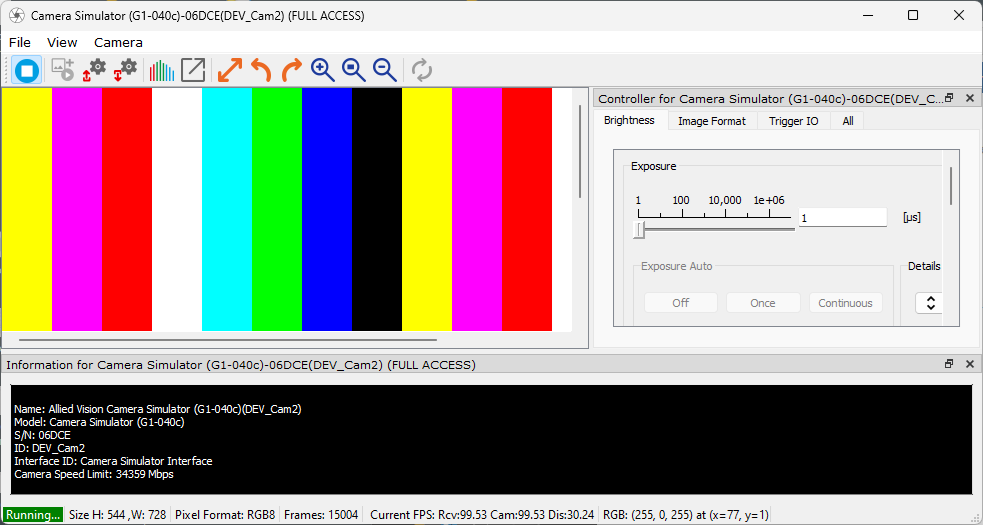
Vimba X Viewer, Camera Simulator#
Image acquisition with AsynchronousGrabQt example and Camera Simulator:
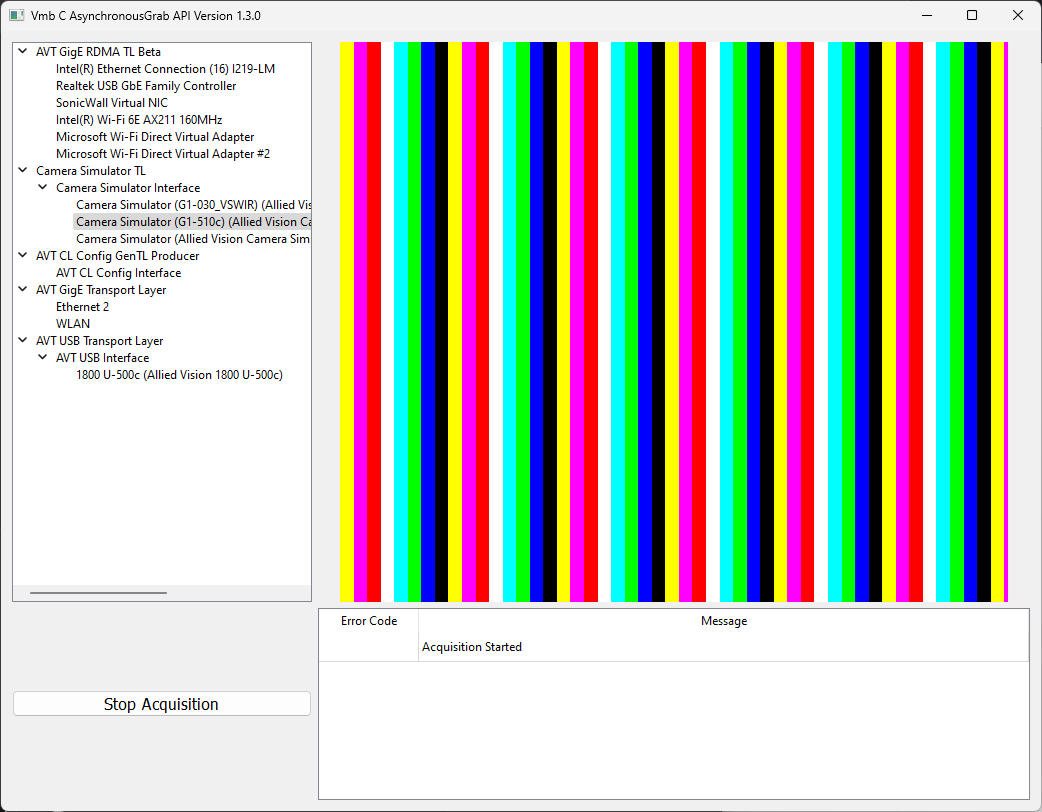
AsynchronousGrabQt example#
Note
GigE cameras: Please wait a few seconds until the camera appears in the camera list.